
How to make a portrait move naturally
Compare facial movement with camera motion. Learn where to look when a portrait changes expression, and try one small adjustment at a time.
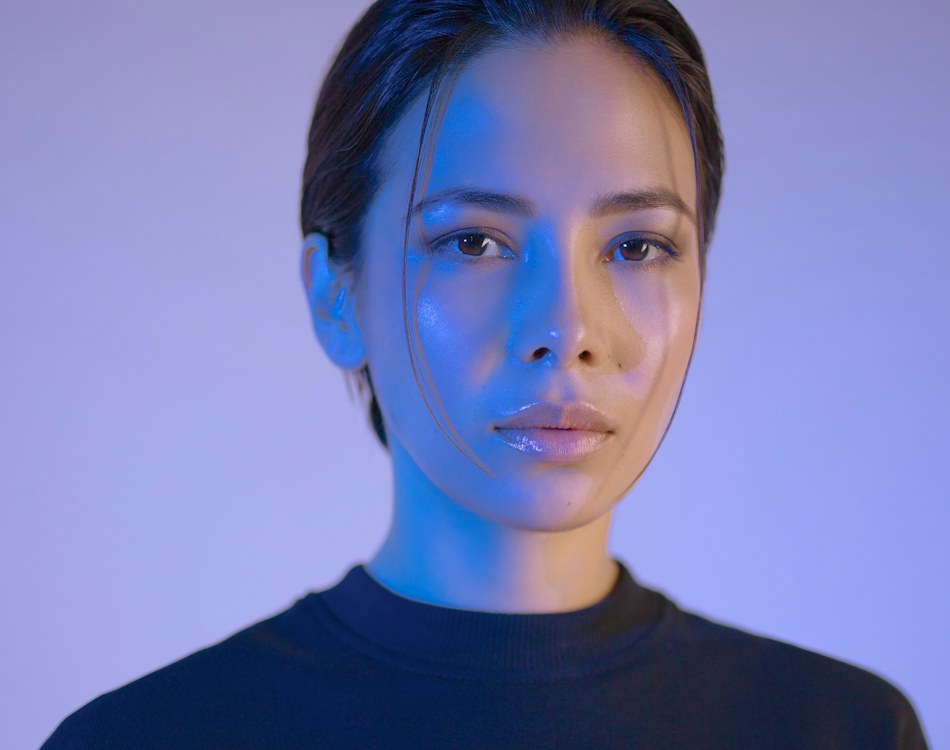
Before generating, decide which part of the picture should move. A slow camera move can give a portrait a sense of depth even when you want the face to stay still.
The smile looks unfamiliar
Compare teeth, lip shape, and the corners of the mouth with the still image. Remove any request to smile or speak. Try “Keep the original expression. Slowly move the camera closer.”
One eye seems to drift
Zoom in on the original to check for a scratch, glare, or soft focus over that eye. Use a clearer scan of the same print and keep the existing direction
The entire frame feels restless
Watch the backdrop rather than the person for one playback. Select Subtle motion and ask for a fixed camera and still background
Faces merge in a group portrait
Look where profiles, shoulders, or hair overlap. Try a working copy cropped to one person, with a little space around the face Compare the original and the clip at the same display size. Pause on the first and last frames, then play the full clip normally. An expression can look fine in two frames and still wobble between them. Pick the take that feels closest to the person you remember. Each new generation costs one credit.
Compare the portrait and the clip · Prepare a clear scan · Animate your photo