
How to animate an old photo
Photograph or scan an old print, crop it for a portrait, choose a subtle movement, and save a short MP4 to share with your family.
Nov 27, 2026
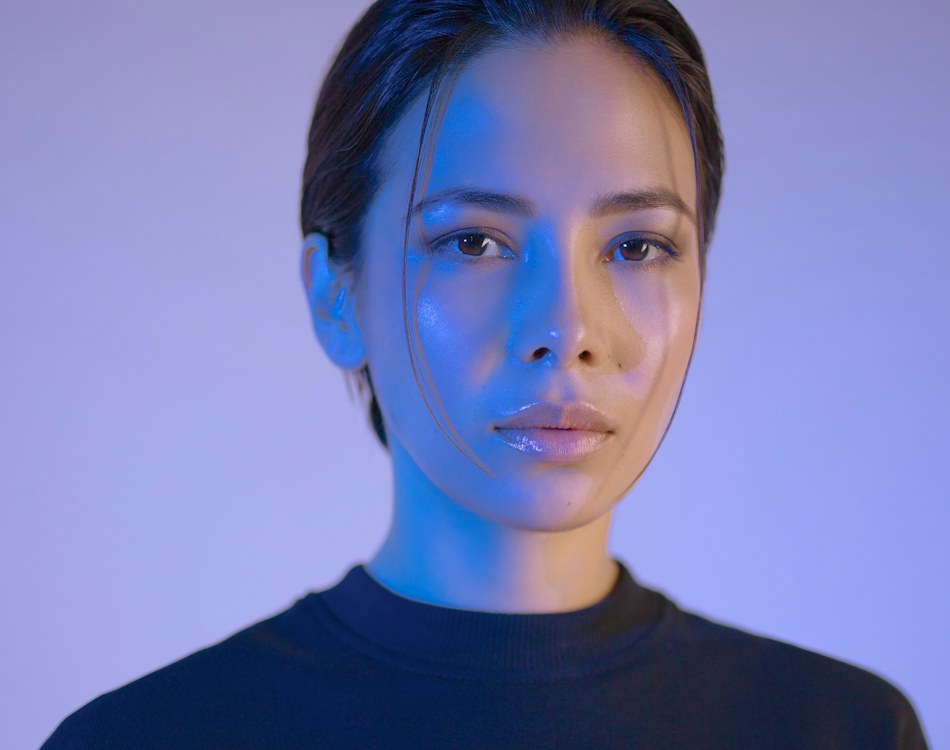
Start with a clear scan or phone picture of one portrait. A little time spent getting the eyes and mouth in focus makes it easier to judge the finished clip.
- Get a clean copy of the print. Lay it on a flat surface near a window. Hold your phone parallel to the print and turn off the flash. Tilt the print or move the light until glare clears the face. Zoom in on the still image to check focus before putting the print away.
- Prepare a working copy. Keep the full scan in your archive. Crop the copy to remove the table, album mount, or white border. Leave some space around the head and shoulders. Export a JPG, PNG, or WebP up to 5 MB.
- Choose one motion. Open the studio, upload the copy, and select Subtle motion. For a portrait with a visible jacket, try “Keep the camera still. Let the edge of the jacket move slightly. Keep the expression steady.” Leave the direction blank if you prefer to try the preset on its own.
- Generate and compare. A generation uses one credit. Play the clip once at normal speed. Then pause near the end and compare the eyes, mouth, and outline of the face with the scan. With a group portrait, also check the faces at the edges.
- Save the clip. Download the 480p MP4 within one hour of generation. Keep the original scan alongside it. When sharing with family, label the clip as an AI animation of the photograph so everyone knows where the movement came from.
If a smile changes the likeness, try a slow camera push with a steady expression. A second generation uses another credit, so change just one setting at a time.
Compare the portrait and the clip · Troubleshoot portrait motion · Animate your photo